A food blogger I know gets 340,000 monthly page views. About 70 percent of that traffic — roughly 238,000 visits per month — comes from Pinterest. Not Instagram. Not Google. Not TikTok. Pinterest. She spends maybe two hours per week creating pins, and those pins continue driving traffic for months or even years after she publishes them. One pin she created in 2023 still sends her 400+ visitors per day in 2026.
Pinterest is wildly underestimated by most content creators and marketers. While everyone fights for visibility on Instagram (where content lifespan is about 24-48 hours) and TikTok (where organic reach is increasingly pay-to-play), Pinterest operates more like a search engine than a social media platform. Pins get indexed, ranked, and served to users based on keyword relevance — not follower count, not posting frequency, and not engagement velocity. A pin created by an account with 12 followers can outrank a pin from a brand with 500,000 followers if the SEO is better.
This guide covers how Pinterest's algorithm actually works, what makes images rank in Pinterest search, and the specific optimization tactics that drive consistent organic traffic.
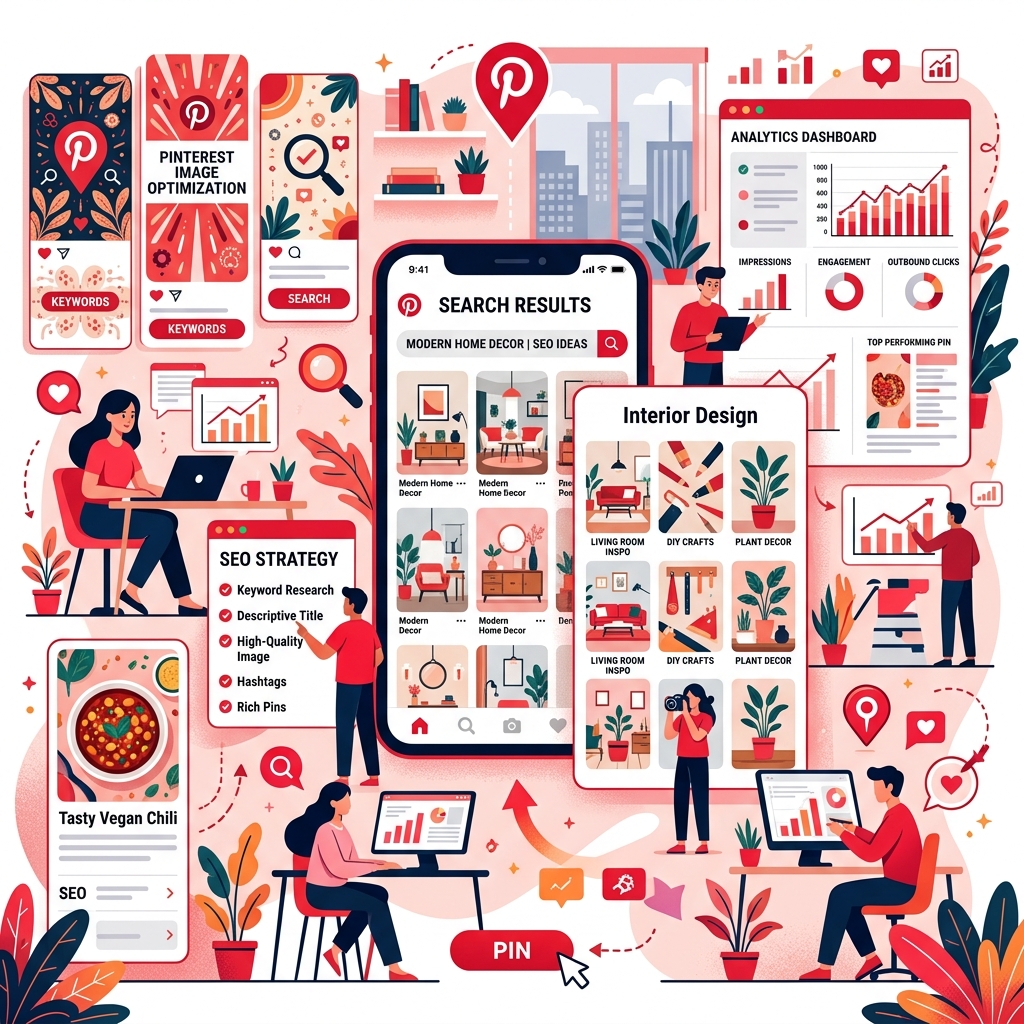
Pinterest Is a Visual Search Engine, Not Social Media
This distinction is critical for understanding how to succeed on Pinterest. On Instagram, success depends on posting consistently, building followers, and getting immediate engagement (likes, comments, shares). On Pinterest, success depends on keyword optimization, image quality, and click-through appeal. Your content is discovered through search queries, not through follower feeds.
When a user searches "easy weeknight dinner recipes" on Pinterest, the algorithm evaluates pins based on keyword relevance (in the pin title, description, and board name), image quality, click-through rate, save rate, and the overall authority of the pinner's account. Fresh pins get a temporary distribution boost, but well-optimized older pins continue ranking for years. This is fundamentally different from Instagram's chronological/engagement-based feed.
The Ideal Pin Image Specifications
- Aspect ratio: 2:3 (vertical). This is Pinterest's recommended ratio and gets the most visual real estate in the feed. A 1000×1500 pixel image is ideal.
- Resolution: Minimum 600 pixels wide, but 1000 pixels is recommended for sharp display on high-DPI devices.
- File format: PNG or JPEG. Pinterest accepts both, but JPEG at 80-90% quality is recommended for photographic content (smaller files load faster, which affects user experience and algorithm ranking).
- File size: Under 1 MB. Larger files load slower, and Pinterest penalizes slow-loading pins in search results. Use compression to keep file sizes lean without visible quality loss.
- Text overlay: Pins with text overlay get significantly higher engagement. Keep text concise (7 words or fewer for the main headline), use high-contrast colors, and ensure readability on mobile screens.
Keyword Optimization: Where to Place Keywords
Pinterest's algorithm reads text from four primary locations. Optimizing all four dramatically improves your pin's discoverability:
1. Pin Title (Most Important)
The pin title is the strongest ranking signal. Include your primary keyword naturally in the title. "Easy 30-Minute Weeknight Chicken Dinner" is better than "My Favorite Dinner Recipe" because it contains specific searchable terms that real users type into Pinterest search.
2. Pin Description
Write 100-300 characters of natural, keyword-rich description. Include your primary keyword, 2-3 related keywords, and a call-to-action. Don't keyword-stuff — Pinterest's algorithm detects and penalizes unnatural keyword usage just like Google does.
3. Board Name and Description
Every pin lives on a board. The board's name and description provide topical context to the algorithm. A pin about chicken recipes on a board called "Easy Weeknight Dinner Recipes" ranks better than the same pin on a board called "My Stuff." Create specific, keyword-optimized boards for each content category.
4. Image Filename
Pinterest reads image filenames. "easy-weeknight-chicken-dinner-recipe.jpg" provides keyword signal. "IMG_4832.jpg" provides nothing. Rename your files before uploading — this takes 10 seconds and directly improves discoverability.
Design Principles That Drive Clicks
- High contrast text overlays. Bold, easily readable text on a contrasting background. If your image is dark, use white or light-colored text. If it's light, use dark text with a semi-transparent background bar.
- Bright, warm colors outperform. Pinterest's own research shows that images with dominant warm tones (red, orange, pink) get more saves and clicks than cool-toned images. Images with multiple dominant colors outperform single-color images.
- Faces get attention, but products get clicks. Pins featuring faces attract initial attention but don't always drive click-throughs. Product shots, styled flatlays, and step-by-step collages drive more website traffic because they create curiosity — "I want to learn more."
- Clear, uncluttered compositions. The most successful pins have a single focal point, clean typography, and enough white space to feel organized rather than chaotic. Busy, crowded pins get scrolled past.
The number-one mistake on Pinterest: treating it like Instagram. Instagram rewards aesthetics, stories, and real-time engagement. Pinterest rewards searchability, click-through appeal, and evergreen utility. Optimize for search intent, not for likes.
Pin Publishing Strategy
- Create multiple pins per blog post. Design 3-5 different pin images for each piece of content, each with different headlines, layouts, or images. This gives the algorithm multiple entry points and lets you test which design style performs best.
- Publish fresh pins consistently. Pinterest's algorithm favors "fresh pins" — new images linked to your content. Resharing the exact same pin image repeatedly is far less effective than creating new pin designs regularly.
- Schedule pins evenly. Rather than publishing 20 pins in one session, spread them across the week. Pinterest's algorithm favors consistent pinning over bulk publishing. Use Pinterest's native scheduler or tools like Tailwind.
- Rich Pins are mandatory. Enable Rich Pins for your website. Rich Pins automatically pull metadata (title, description, pricing for products) from your website, providing additional context and making your pins look more authoritative in search results.
Measuring Pinterest SEO Success
Pinterest Analytics provides three key metrics: impressions (how often your pins appear in feeds and search), saves (how often users save your pins to their boards), and outbound clicks (traffic to your website). The most important metric is outbound clicks — that's the number that translates to actual website traffic, email signups, and revenue.
Pinterest SEO is a long game. New accounts typically take 3-6 months to build enough authority for pins to rank consistently. But once momentum builds, the compound effect is powerful: each well-optimized pin becomes a permanent traffic source that continues driving visitors for years, requiring no additional effort after initial creation.
Optimize Your Pinterest Pin Images
Use our free tools to resize images to Pinterest's ideal 1000×1500 ratio and compress them under 1 MB for optimal loading.
Social Media Resizer →